
Welcome
Welcome to the Library. In this research starter you can find all the information you need to use the library and successfully conduct your research.
Orientation Video
Watch this orientation video to find out more about how to navigate the library.
Searching the Catalogue
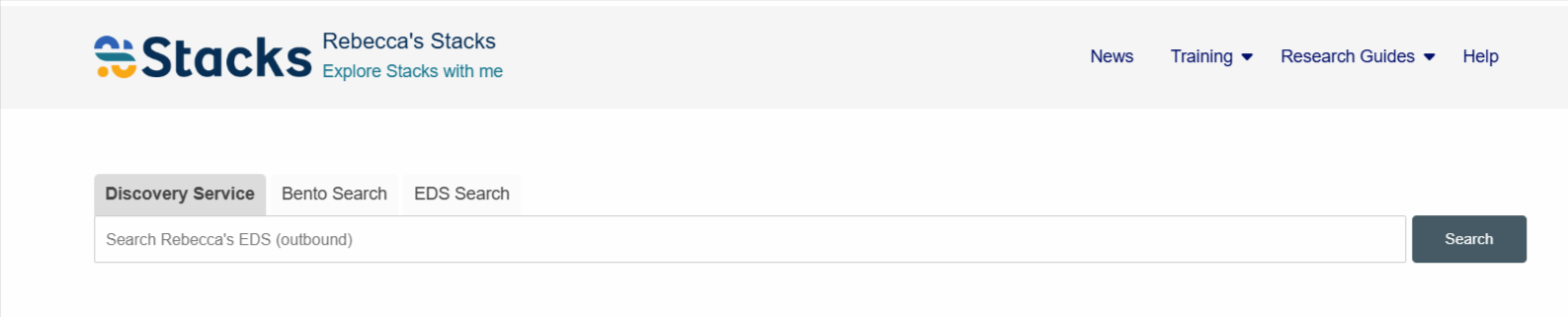
You can search the catalogue from right here using the tab in the search bar. Just enter what you are interested in or the title you are looking for and you will see your search results in the catalogue page.
Reserving a book
You can reserve a book from the catalogue by selecting it and clicking "Reserve". You will receive an email when it is ready to collect.
Checking out a book
If you want to borrow a book you can come to the desk or use our self service kiosks, just bring your library card.
How to access an eBook
You can access eBooks using an eBook reader or the EBSCO Mobile App.